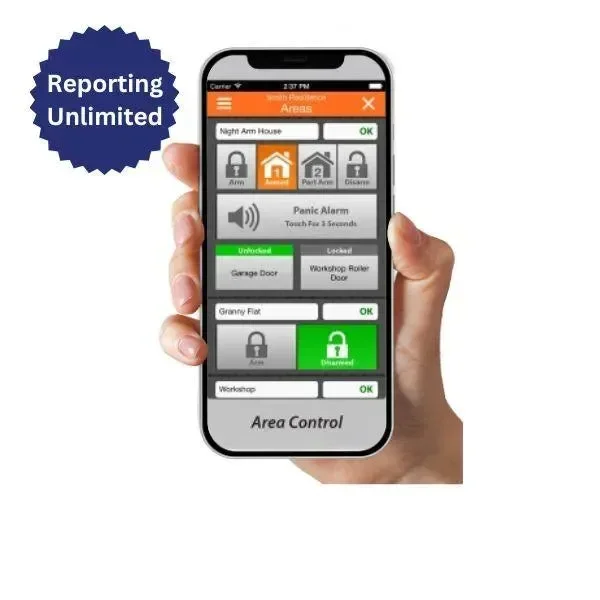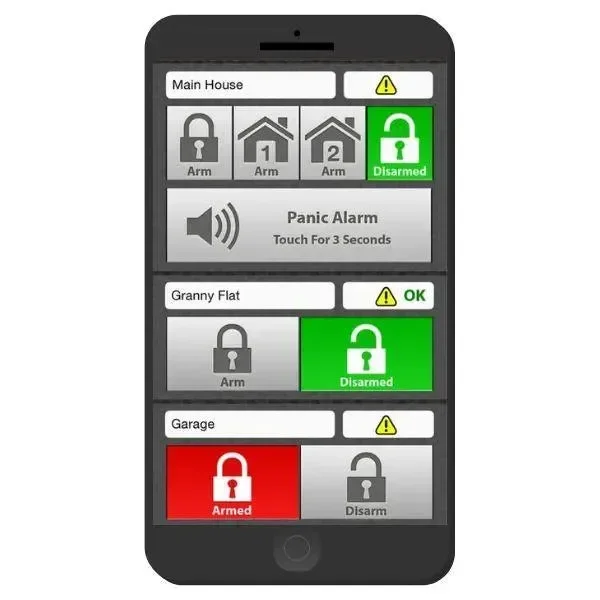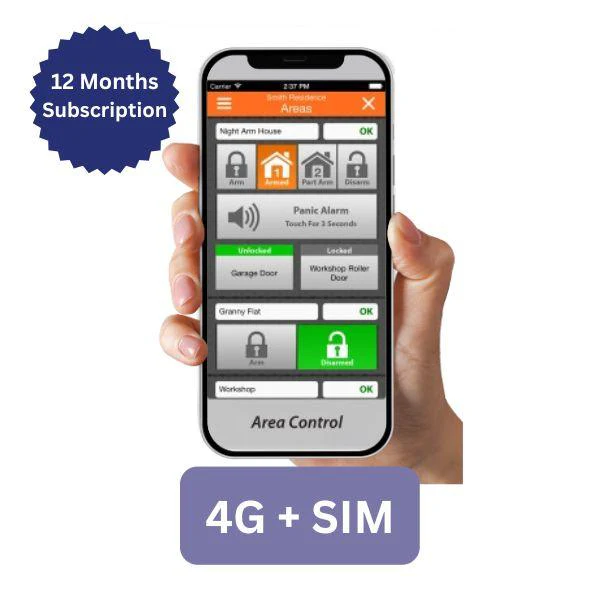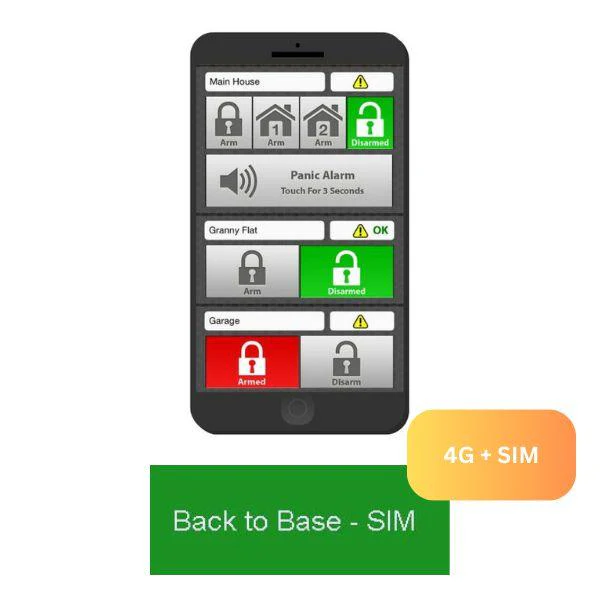
Bosch 6000 iFob 4G + Sim Plus 12 Months Subscription with Personal Reporting
12-Month Subscription with Unlimited Personal Notifications via Push, SMS, Email & Voice Reporting
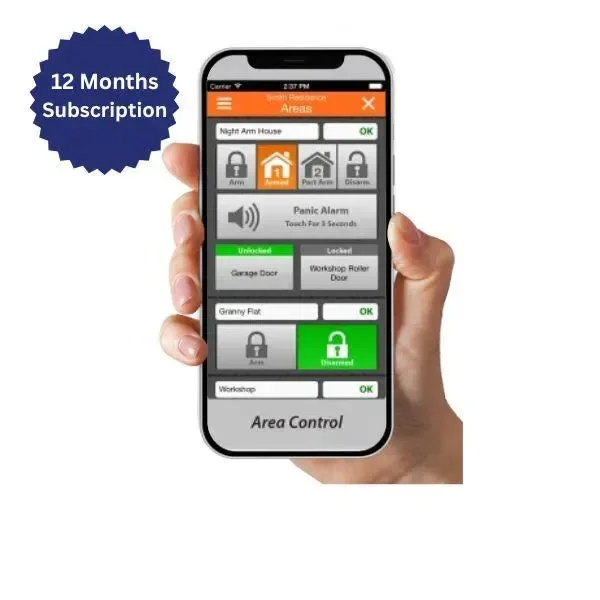
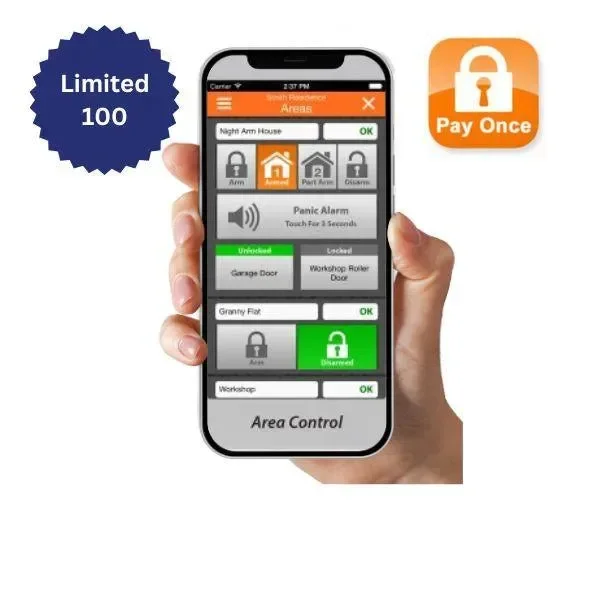
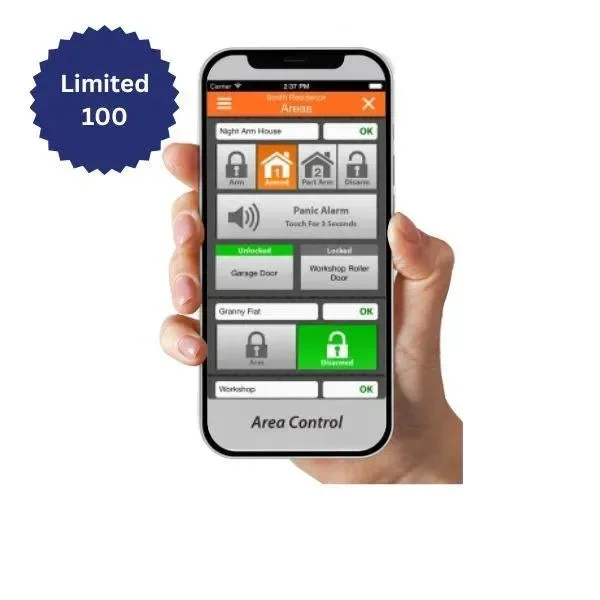
Stay connected and in full control of your Bosch Solution 6000 alarm system with the iFob 4G + SIM Plus 12-Month Subscription. This plan combines the powerful iFob Control app with secure 4G SIM-based communication using the MyAlarm VPN infrastructure — delivering reliable, real-time personal notifications and system feedback from anywhere in the world.
📲 What’s Included:
-
🔐 12 Months Unlimited Personal Reporting
(Push, Email, SMS, and Voice Notifications) -
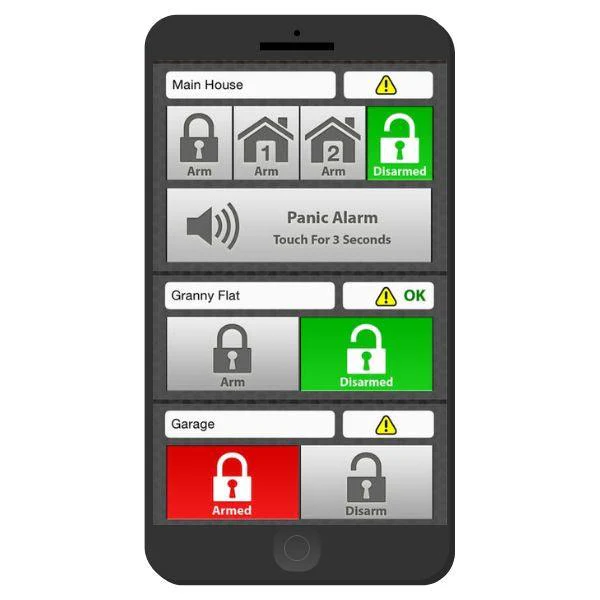
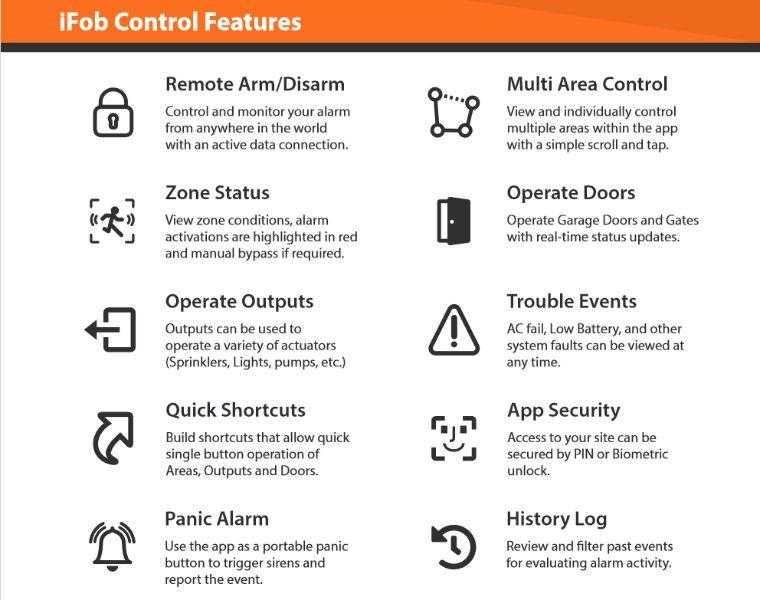
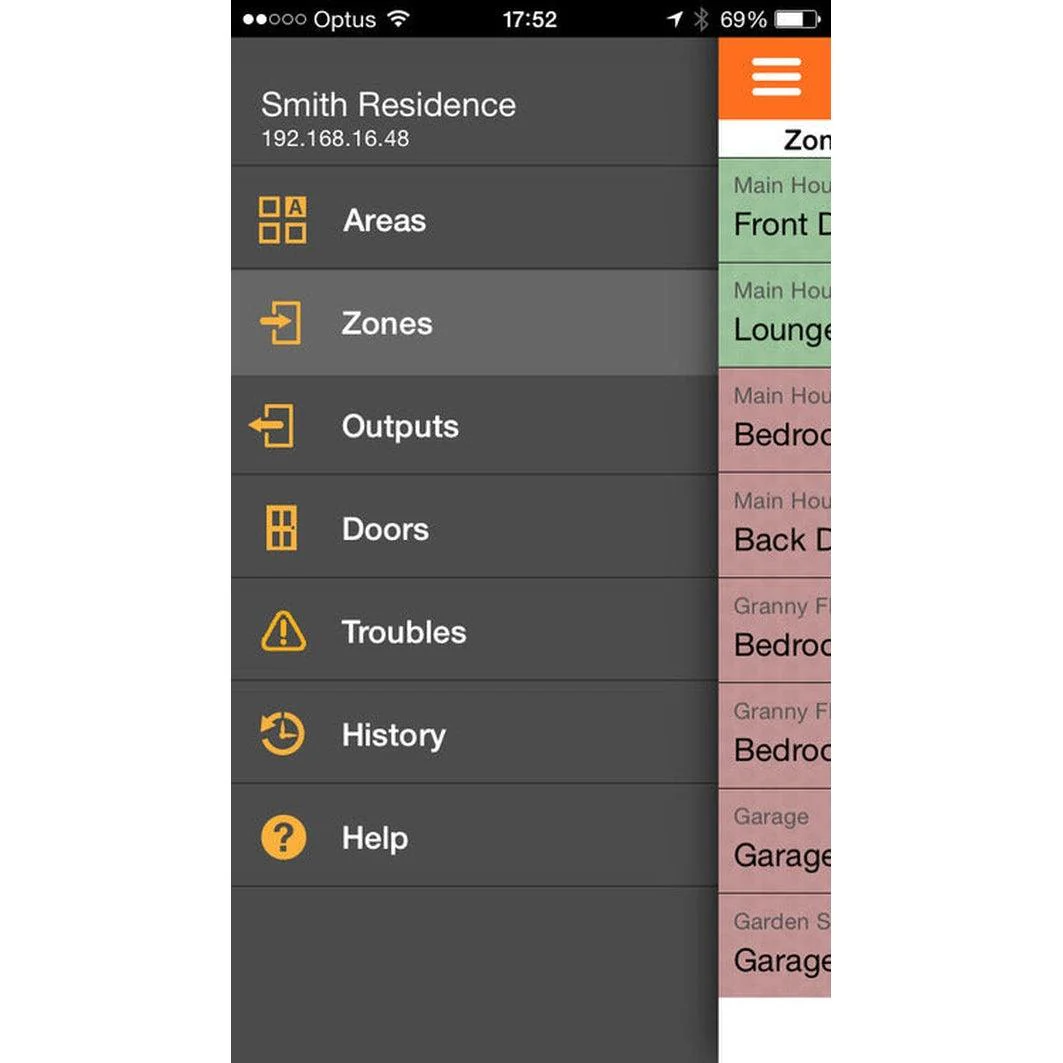
📱 Full iFob Control App Functionality
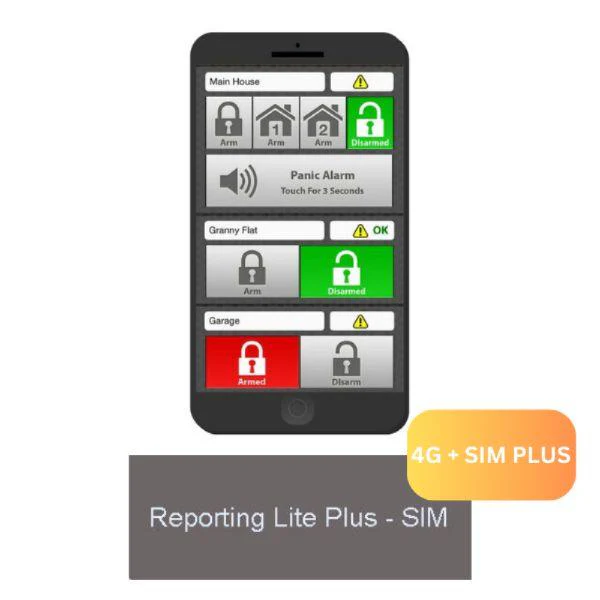
Remote arming, disarming, output control, and more -
🌐 Secure Base Station Reporting via IP or Cellular
-
📡 SIM + 4G Connectivity using MyAlarm SIM-enabled modules
-
📖 Event History Logging with real-time feedback
-
🏘 Supports multiple sites and areas per user
-
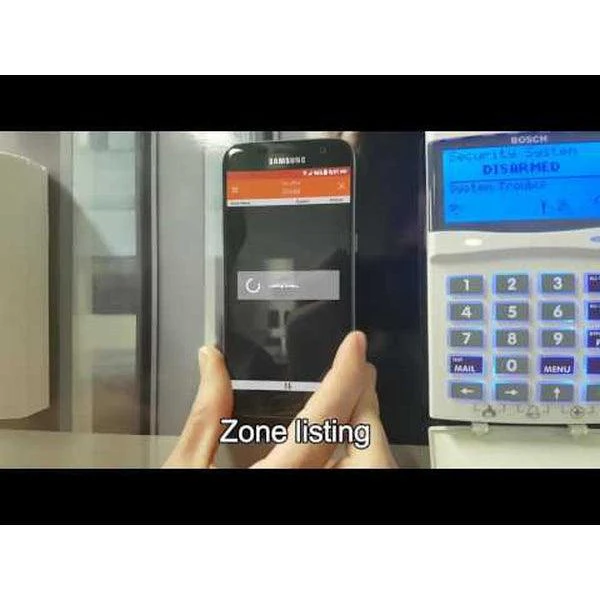
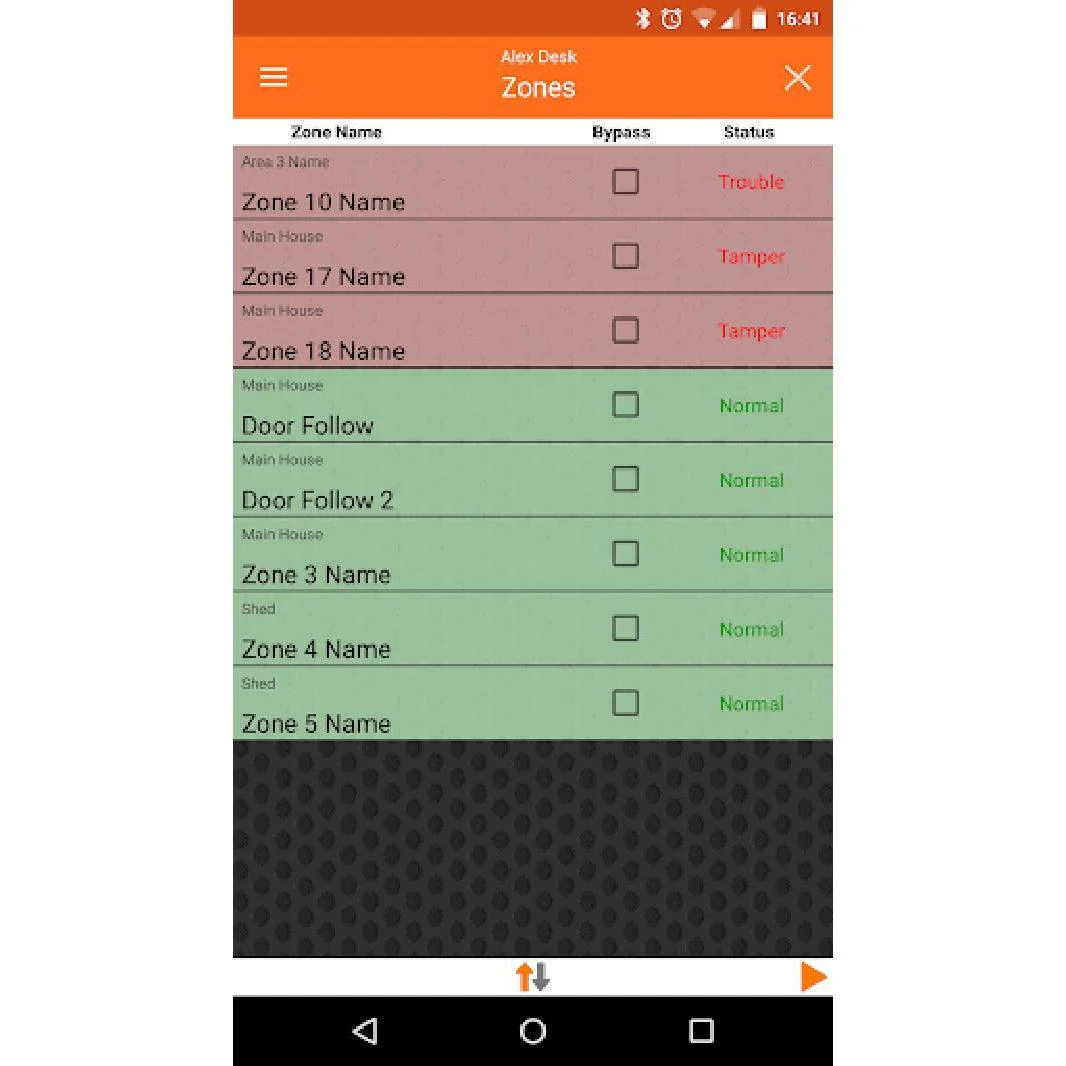
🔔 Real-timezone status, system troubles, and panic control
-
🧩 No port forwarding required
-
🔄 12-hour polling for consistent system updates
-
👥 Up to 10 mobile devices supported
-
🔒 Secure access with PIN-based restrictions
-
📆 Auto daylight saving clock sync
-
🛠 Installer contact info available in app
-
✅ Zone bypass options and door operation
-
🌍 Compatible with iOS (App Store) and Android (Play Store)
🔧 Hardware Requirements:
To use this plan, your Bosch Solution 6000 panel must be equipped with one of the following MyAlarm-compatible SIM-enabled modules:
-
MY744 / MY746 / MY747 Cellular Radio
-
MY366 Cellular + Ethernet Combo Module
Customer-supplied SIM cards are not supported on this plan.
Wi-Fi Keypad (CP741) may be used with cellular-only modules for redundancy.
🔄 Why Choose the SIM Plus Plan?
-
Eliminates PSTN line rental & associated call costs
-
Maintains full communication during power failure
-
No additional hardware required at your base station
-
Secure, encrypted communication via the MyAlarm VPN
📌 Customer Setup Note:
To manage your alarm site, you’ll need to create a free MyAlarm account. Refer to the PDF guide: MyAlarm Customer Account Registration (attached).
🛠 Activation Steps
🔧 Steps for iFob Activation After Online Purchase
-
On your alarm keypad, press: Installer Code > MENU > 5-0-9
-
Enter the 11-digit MyAlarm Installer Number: 57507959850, then press OK.
-
The keypad will display “Registering to MyAlarm.”
-
If successful, it will display: “MyAlarm Registration Successful.” If not, check your installer code and internet connection.
-
Exit programming mode by holding the MENU button.
-
Email the following to [email protected]:
-
Your order number
-
Your alarm panel serial number
-
The mobile number(s) to be activated
-
-
Once received, we will send the iFob app code to the specified mobile(s).
🔒 Important:
Each iFob code is locked to a specific mobile number and requires the Master Alarm PIN for activation.
Original: $218.67
-65%$218.67
$76.53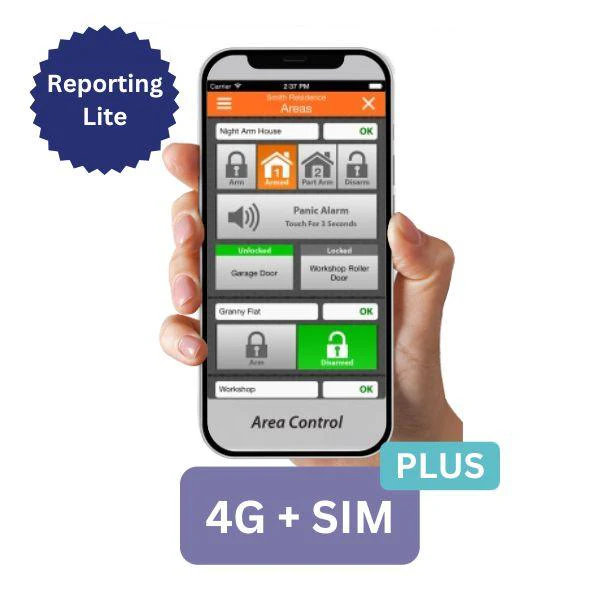
Description
12-Month Subscription with Unlimited Personal Notifications via Push, SMS, Email & Voice Reporting
Stay connected and in full control of your Bosch Solution 6000 alarm system with the iFob 4G + SIM Plus 12-Month Subscription. This plan combines the powerful iFob Control app with secure 4G SIM-based communication using the MyAlarm VPN infrastructure — delivering reliable, real-time personal notifications and system feedback from anywhere in the world.
📲 What’s Included:
-
🔐 12 Months Unlimited Personal Reporting
(Push, Email, SMS, and Voice Notifications) -
📱 Full iFob Control App Functionality
Remote arming, disarming, output control, and more -
🌐 Secure Base Station Reporting via IP or Cellular
-
📡 SIM + 4G Connectivity using MyAlarm SIM-enabled modules
-
📖 Event History Logging with real-time feedback
-
🏘 Supports multiple sites and areas per user
-
🔔 Real-timezone status, system troubles, and panic control
-
🧩 No port forwarding required
-
🔄 12-hour polling for consistent system updates
-
👥 Up to 10 mobile devices supported
-
🔒 Secure access with PIN-based restrictions
-
📆 Auto daylight saving clock sync
-
🛠 Installer contact info available in app
-
✅ Zone bypass options and door operation
-
🌍 Compatible with iOS (App Store) and Android (Play Store)
🔧 Hardware Requirements:
To use this plan, your Bosch Solution 6000 panel must be equipped with one of the following MyAlarm-compatible SIM-enabled modules:
-
MY744 / MY746 / MY747 Cellular Radio
-
MY366 Cellular + Ethernet Combo Module
Customer-supplied SIM cards are not supported on this plan.
Wi-Fi Keypad (CP741) may be used with cellular-only modules for redundancy.
🔄 Why Choose the SIM Plus Plan?
-
Eliminates PSTN line rental & associated call costs
-
Maintains full communication during power failure
-
No additional hardware required at your base station
-
Secure, encrypted communication via the MyAlarm VPN
📌 Customer Setup Note:
To manage your alarm site, you’ll need to create a free MyAlarm account. Refer to the PDF guide: MyAlarm Customer Account Registration (attached).
🛠 Activation Steps
🔧 Steps for iFob Activation After Online Purchase
-
On your alarm keypad, press: Installer Code > MENU > 5-0-9
-
Enter the 11-digit MyAlarm Installer Number: 57507959850, then press OK.
-
The keypad will display “Registering to MyAlarm.”
-
If successful, it will display: “MyAlarm Registration Successful.” If not, check your installer code and internet connection.
-
Exit programming mode by holding the MENU button.
-
Email the following to [email protected]:
-
Your order number
-
Your alarm panel serial number
-
The mobile number(s) to be activated
-
-
Once received, we will send the iFob app code to the specified mobile(s).
🔒 Important:
Each iFob code is locked to a specific mobile number and requires the Master Alarm PIN for activation.